
Filling the Date Return is to be Filed for Federal and State Taxes
Table of Contents
- Overview
- Objective
- Platforms Involved
- Scope
- Related Resources
- Use Case
- Workflow
- Exhibits / Appendices / Forms / Supporting Documents/Resources
- Change Control Log
Overview
This guide provides instructions on how to fill in the date the return is to be filed for both federal and state taxes. This is crucial for ensuring accurate calculations of penalties and interest for late payments.
Objective
The primary goal is to ensure that the system accurately knows the filing dates to calculate any applicable penalties and interest.
Platforms Involved
- Federal Tax Organizer
- State Tax Organizer
Scope
This guide applies to filling the date return information for both federal and state taxes, with particular attention to California state requirements.
Related Resources
- Federal Tax Organizer Guide
- State Tax Organizer Guide
Use Case
This guide is applicable when preparing tax returns and ensuring that all necessary date fields are filled to avoid unnecessary penalties and interest charges.
Workflow
Step 1: Access Federal Date Return
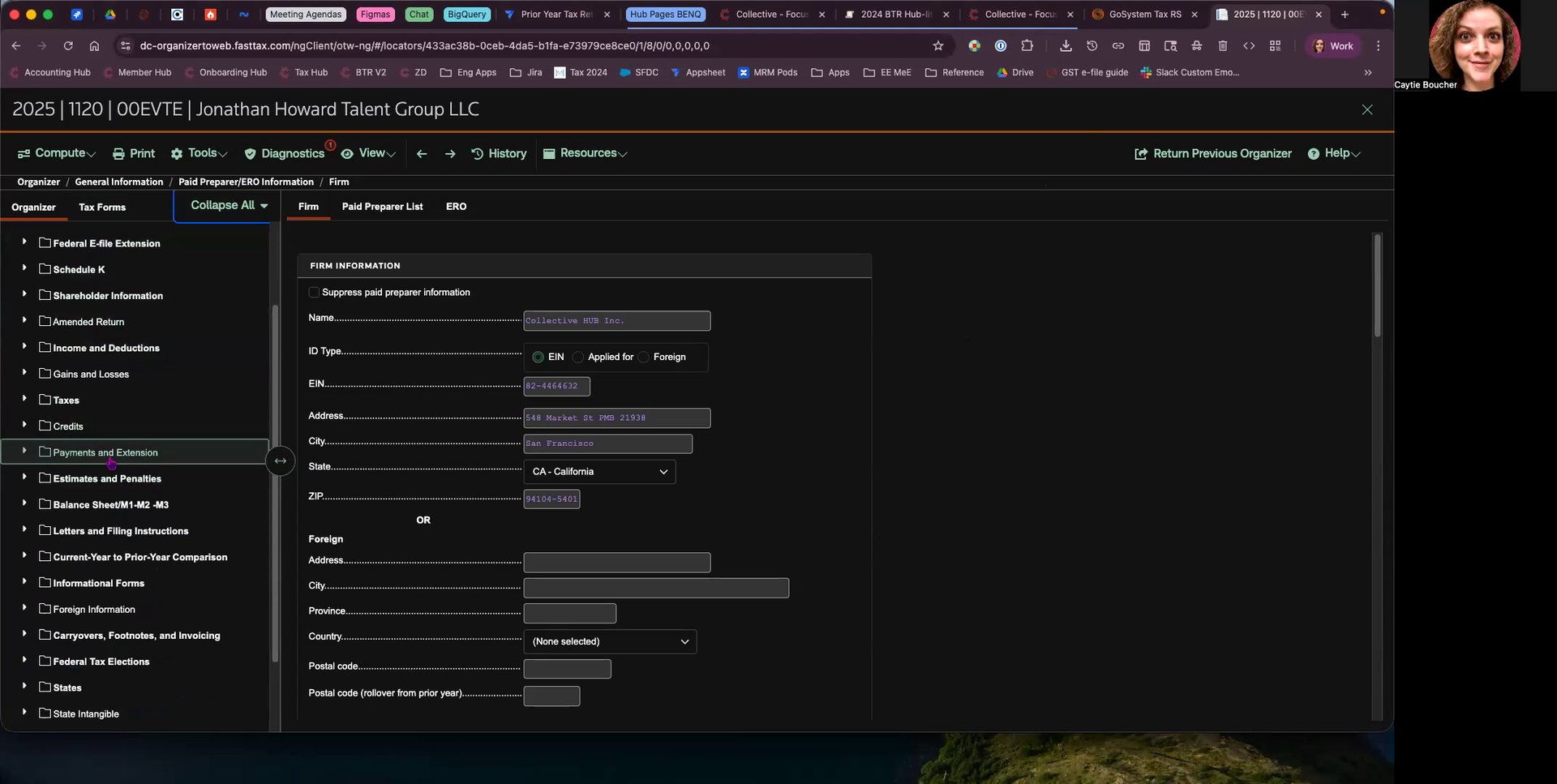
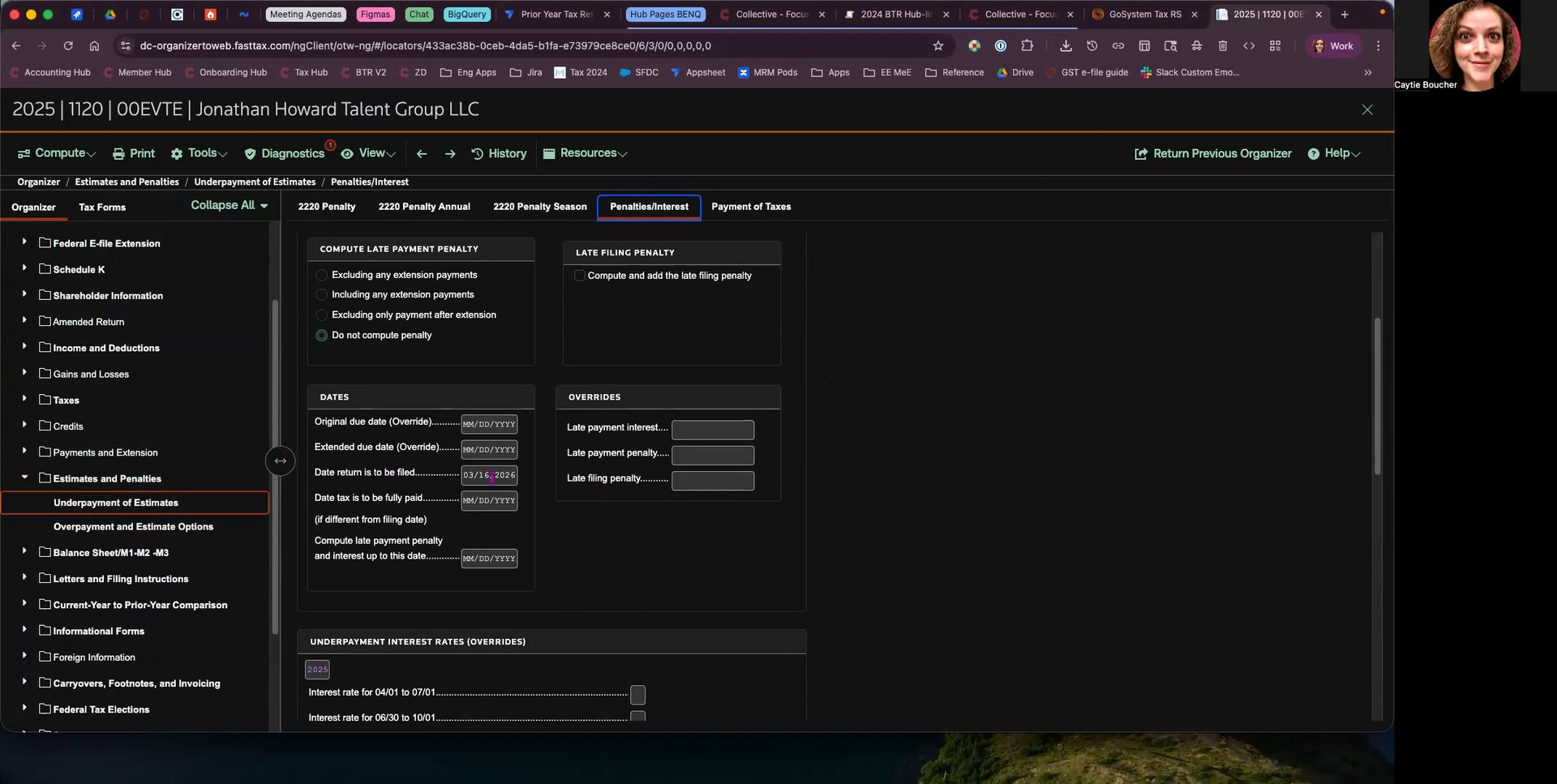
To report the date the federal return is to be filed, navigate to the organizer view. Go to the section labeled "Estimates and Penalties" under "Underpayment of Estimates, Penalties, and Interest".
Step 2: Set Date for Federal Return
Scroll down to find the field labeled "Date return is to be filed" and enter the appropriate date, for example, 3-16-2026.
Step 3: Access State Date Return
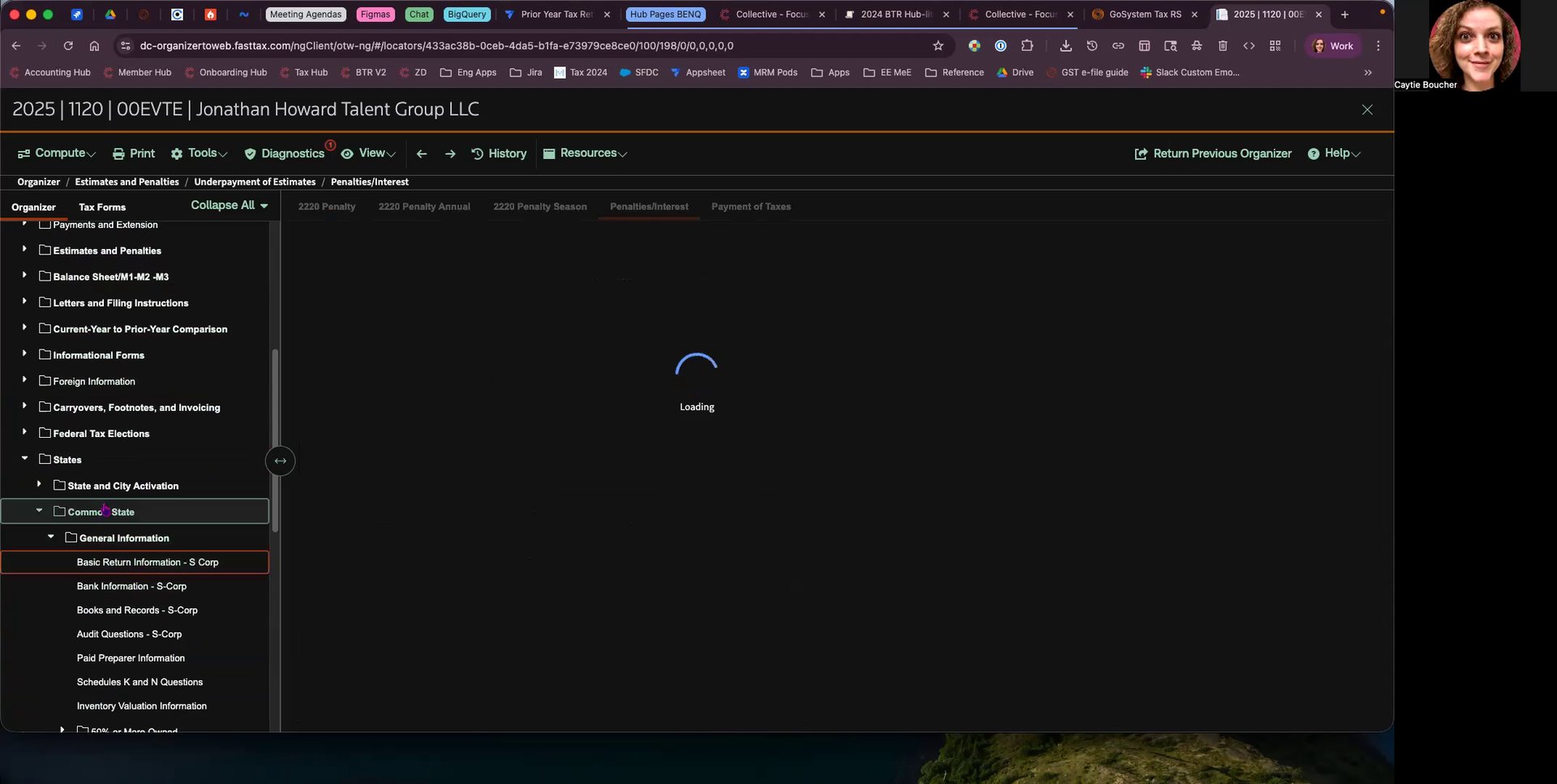
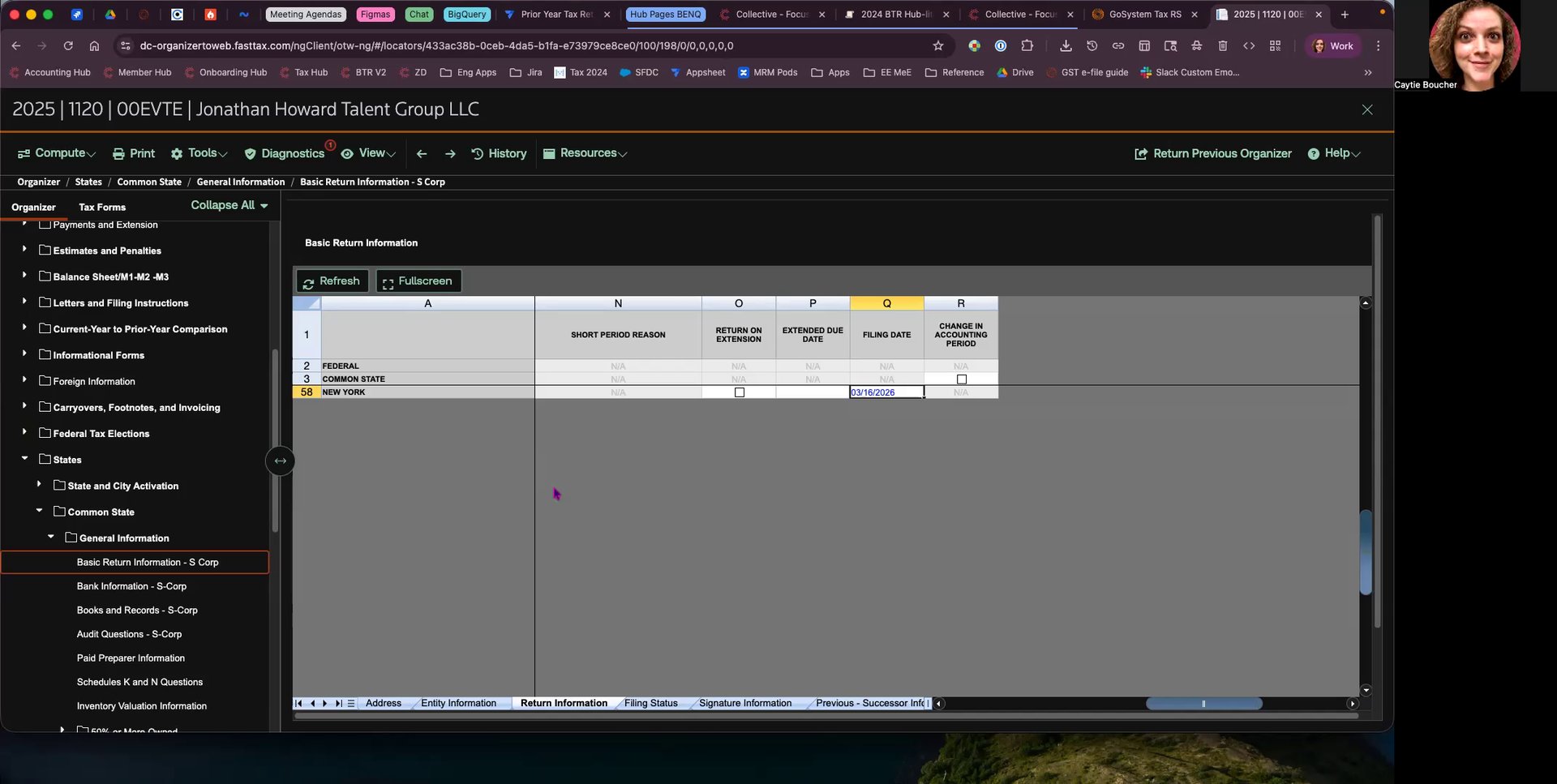
For state returns, the date entry can be made under "Common State, Basic Return Information". Navigate to "Return Information".
Step 4: Set Date for State Return
Ensure the filing date is filled in the state section as well. This date is critical for calculating penalties and interest, particularly in states like California.
Exhibits / Appendices / Forms / Supporting Documents/Resources
There are no additional documents provided for this guide.
Change Control Log
- Initial release of the guide based on the video content shared by Katie. Date: [Insert Date]
© 2026 Reflow, Terms of Service | Privacy Policy