
Guide to Using Loom for Asynchronous Communication
Introduction
This guide will help you understand how to use Loom to communicate asynchronously with your colleagues, potentially reducing the number of meetings you have and making your workflow more efficient. By the end of this guide, you'll know how to create a pre-watch Loom video to share information before meetings, fostering more productive and collaborative interactions.
Step-by-Step Instructions
Identifying a Good Use Case for Loom
Before starting with Loom, consider what scenarios it would be most beneficial for. A good use case for Loom is when you want to communicate asynchronously to save time and make meetings more efficient.
Recording a Loom Before a Meeting
Start by recording a Loom video before your scheduled meetings. You can share these recordings with a colleague you're comfortable with to encourage a shift towards more asynchronous communication within your organization.

Assessing Meetings for One-way Information Dissemination
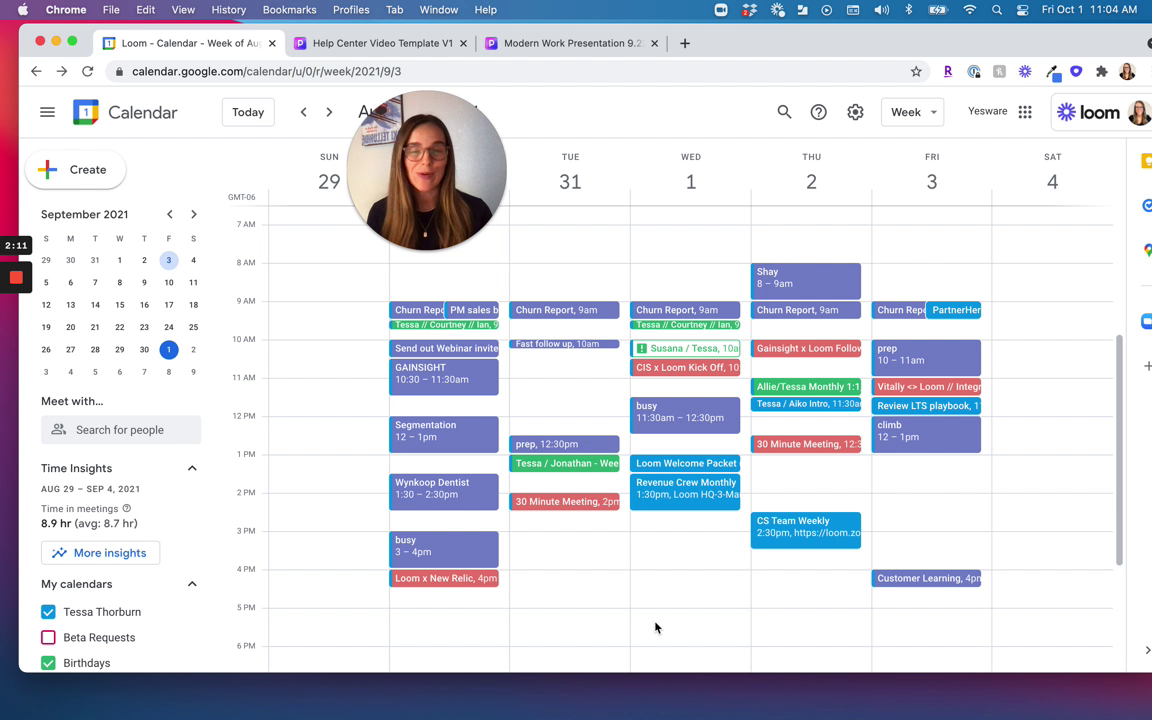
Review your calendar to identify meetings that are primarily for one-way information dissemination. These are perfect opportunities to replace with a Loom video.

Sending the Loom to a Colleague
After recording, send the Loom to the relevant colleague. For example, if you're reviewing a presentation with your manager, send them a Loom walking through the slide deck and discussing key topics where you need input.
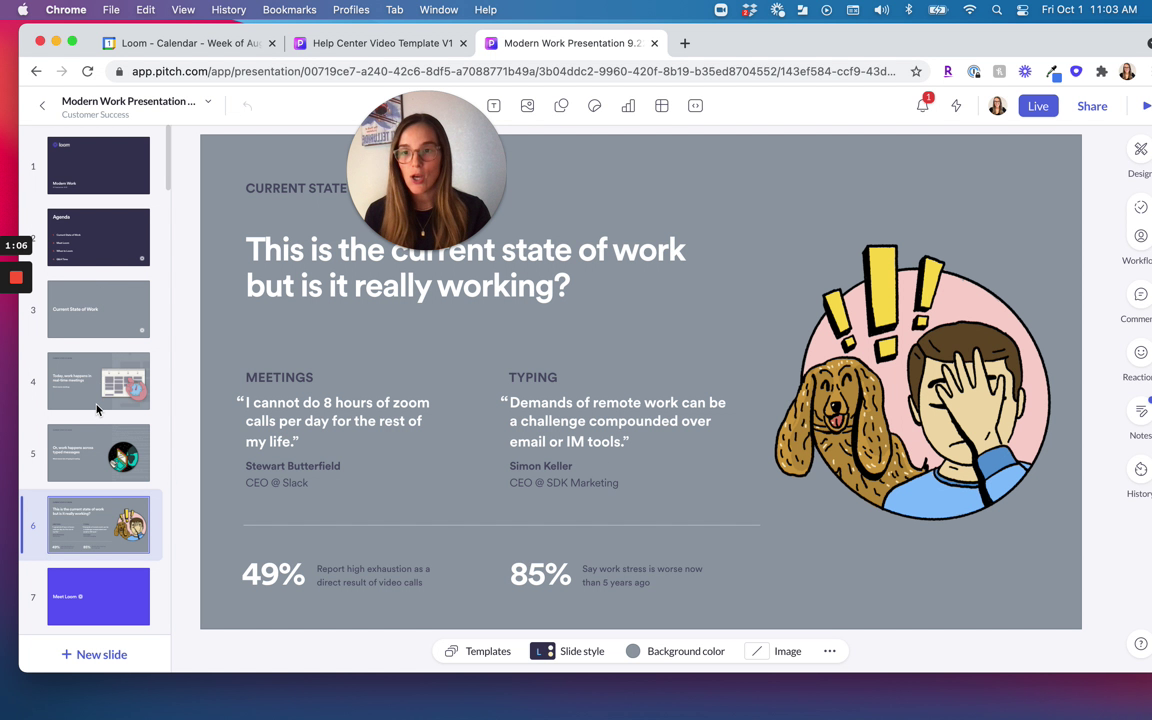
Collaborating in the Live Meeting After Watching Loom
When your colleague watches the Loom, they can comment and react. This interaction ensures that the subsequent live meeting is much more collaborative and focused on input rather than information sharing.
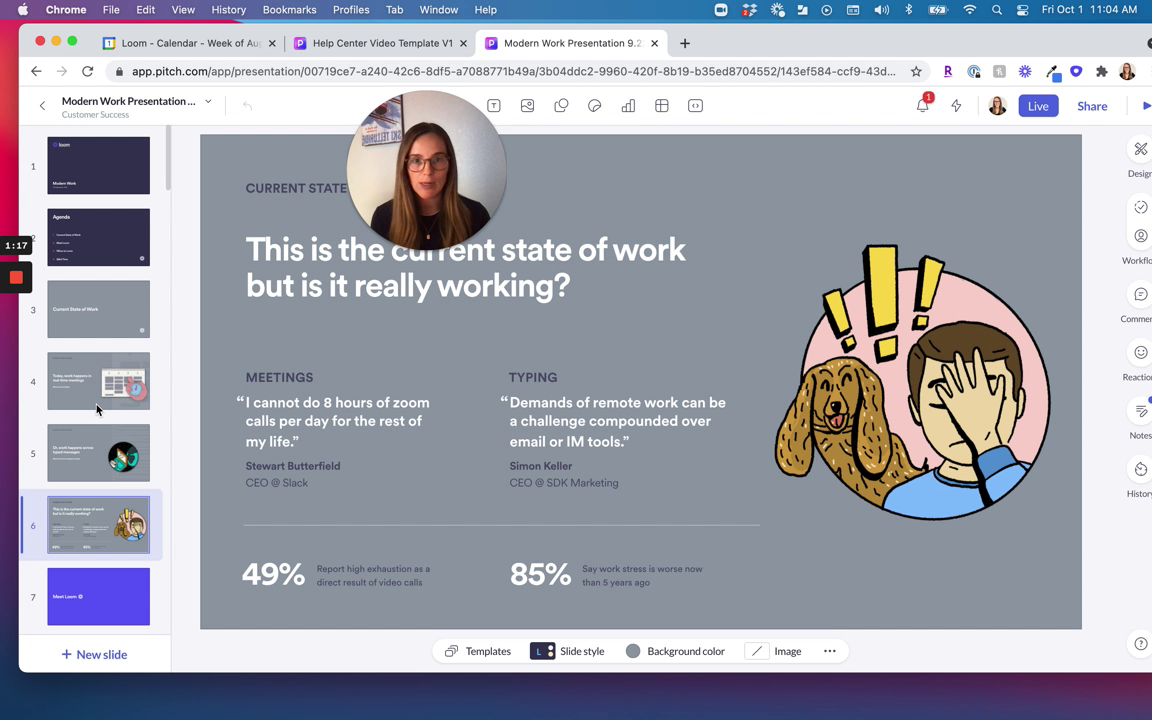
Replacing Meetings with Loom
Consider if some meetings can be replaced entirely by Loom recordings. Look at your upcoming meetings and decide which ones could be handled asynchronously with a pre-watch Loom.
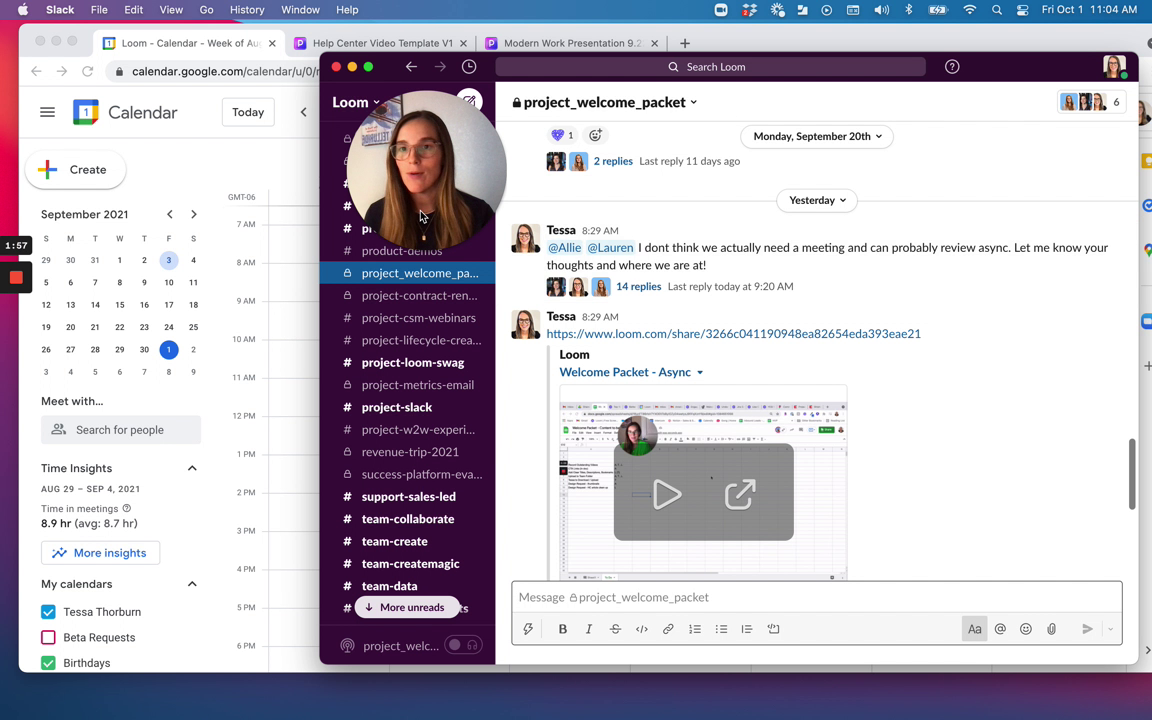
Encouraging the Use of Pre-watch Loom
Encourage yourself and others to start with a pre-watch Loom to make meetings more efficient. This small change can lead to significant improvements in how your team communicates and collaborates.
Conclusion
By following the steps outlined in this guide, you should be able to effectively start using Loom to communicate asynchronously with your colleagues. This approach can help reduce unnecessary meetings, make existing ones more productive, and foster a culture of efficient communication within your organization. With the support of the provided screenshots, you're now equipped to create your first pre-watch video and experience the benefits of asynchronous communication.
© 2026 Reflow, Terms of Service | Privacy Policy