
How to Submit a Tax Request via Zendesk and JIRA
Table of Contents
- Overview
- Objective
- Platforms Involved
- Scope
- Related Resources
- Use Case
- Workflow
- Exhibits / Appendices / Forms / Supporting Documents/Resources
- Change Control Log
Overview
This guide explains how to submit a tax request using our integrated system, which combines Zendesk and JIRA. The process allows for seamless submission and monitoring of tax-related issues.
Objective
The primary goal is to ensure efficient submission and tracking of tax requests, enabling quick triage and resolution by the tax team.
Platforms Involved
- Zendesk
- JIRA
Scope
This guide applies to all users needing to submit tax requests and track them through Zendesk and JIRA.
Related Resources
- Internal Zendesk and JIRA manuals
- Tax request channel link (to be shared internally)
Use Case
This guide is used when a user needs to request assistance from the tax team for specific issues encountered in a ticket.
Workflow
Step 1: Navigate to the Ticket
Locate the ticket in Zendesk where you are encountering the issue and need assistance from the tax team.

Step 2: Create a New Issue
Click on the option to create a new issue.

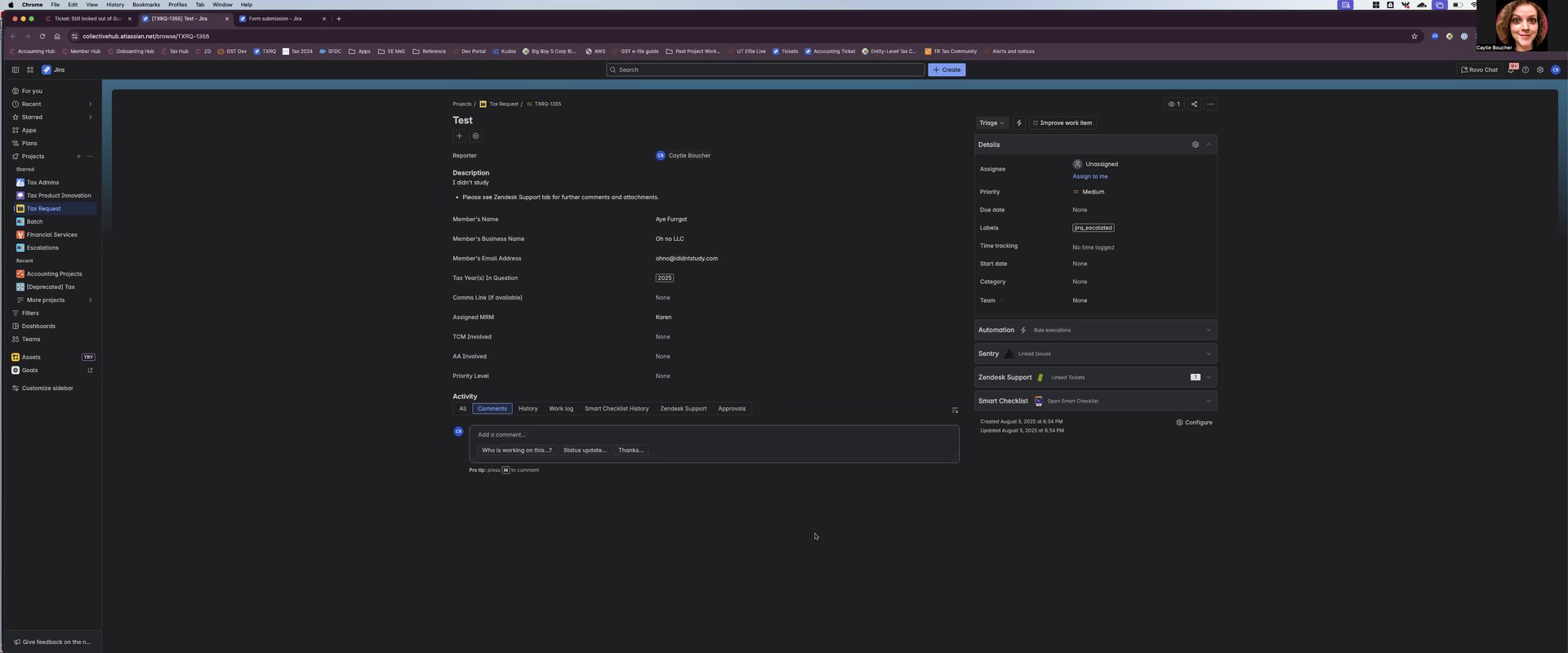
Step 3: Fill in the Required Details
- Type "tax" in the issue type field and select "Tax Request."
- The issue type will automatically set to "Tax Request."
- You will be autofilled as the reporter and added as a watcher.
- Leave the assignee field blank for quick triage.
- Provide a summary, member's business name, email, MRM, tax years involved, priority level, and the member's name.
Step 4: Create the Tax Request
Submit the form to create the tax request. You can then access and monitor the ticket.

Step 5: Monitoring and Communication
Monitor the ticket in Zendesk, where the tax team will communicate with you.
Step 6: Backup Submission via JIRA
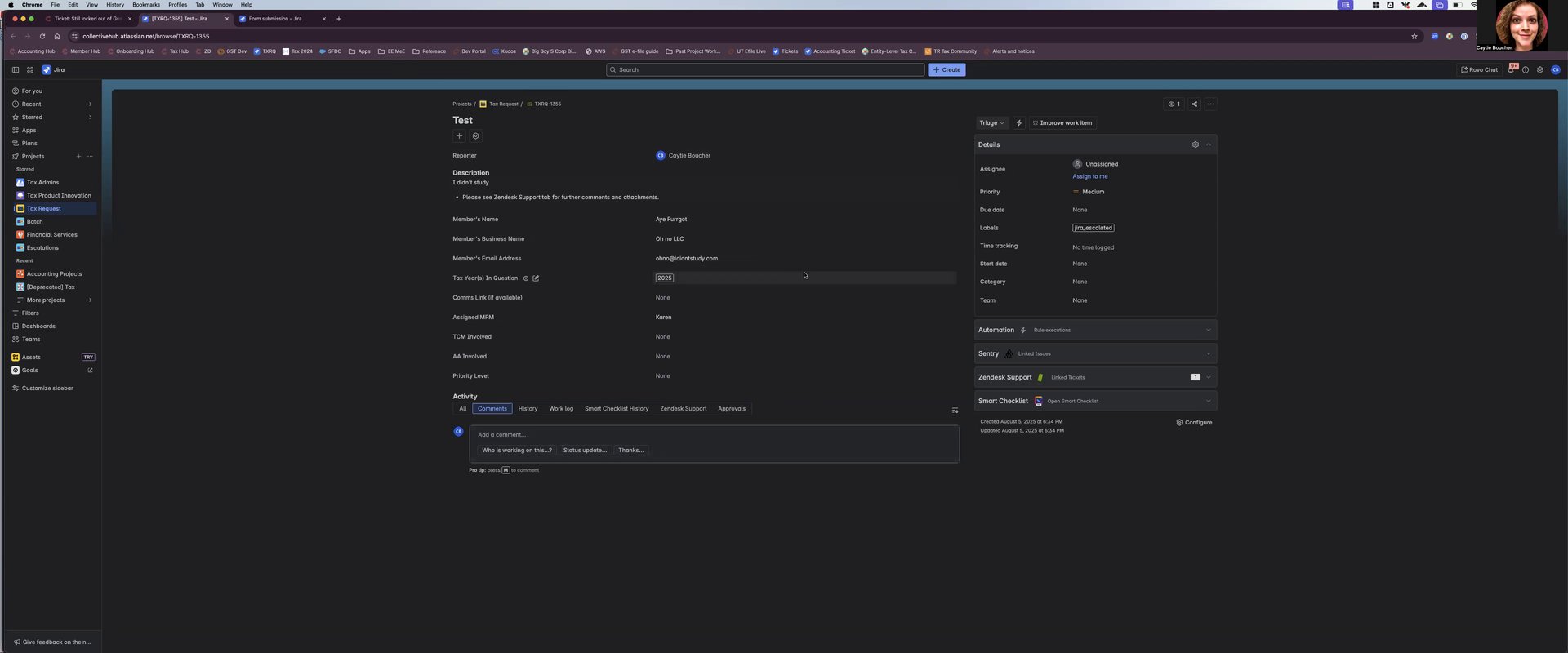
If Zendesk is down, submit the request directly through JIRA using the form link provided in the tax request channel.
Exhibits / Appendices / Forms / Supporting Documents/Resources
- Link to the JIRA form for backup submissions (shared internally)
Change Control Log
- Initial creation of the guide.
Please let me know if you have any questions. Thank you!
© 2026 Reflow, Terms of Service | Privacy Policy